Web Interface
Every OpenIPC camera serves this interface itself, over its own address — there is no cloud account and no app in between. These are the pages of a camera running a current build: the live picture, recordings played back from the memory card, detection drawn over the picture, and the settings behind them.
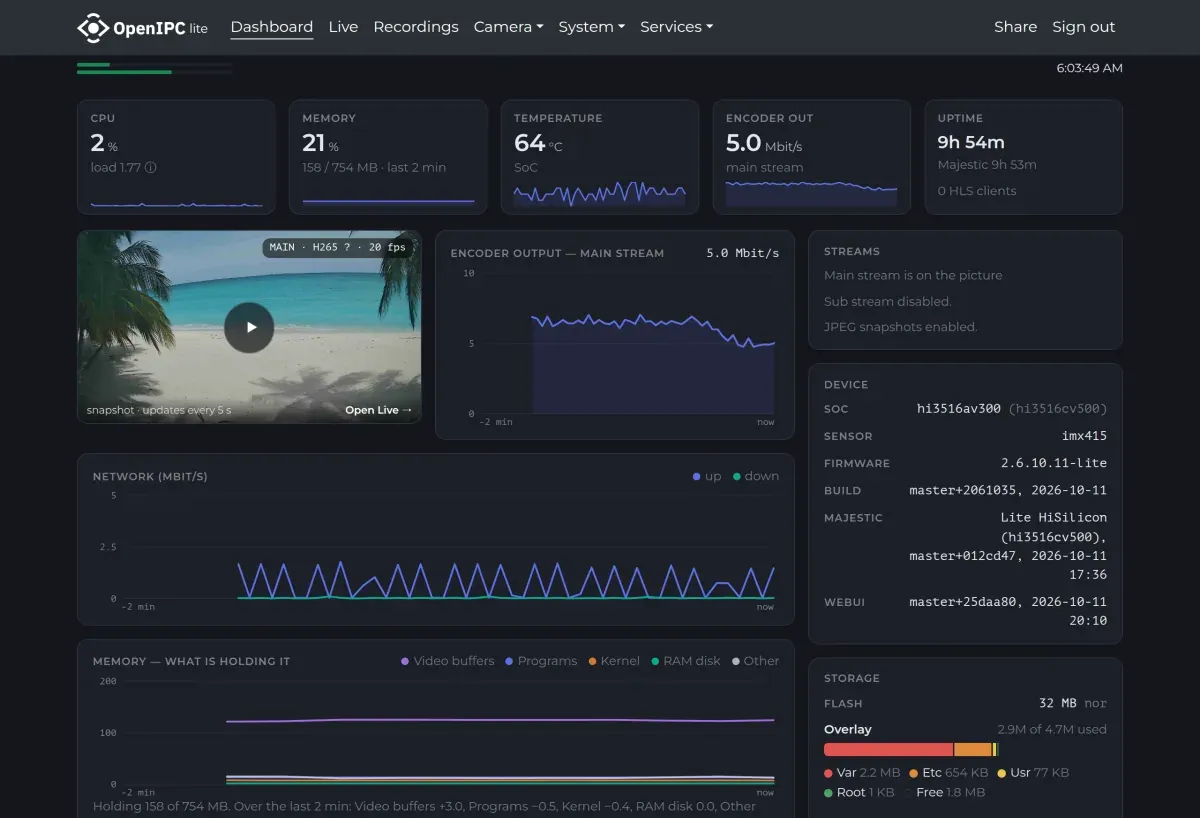
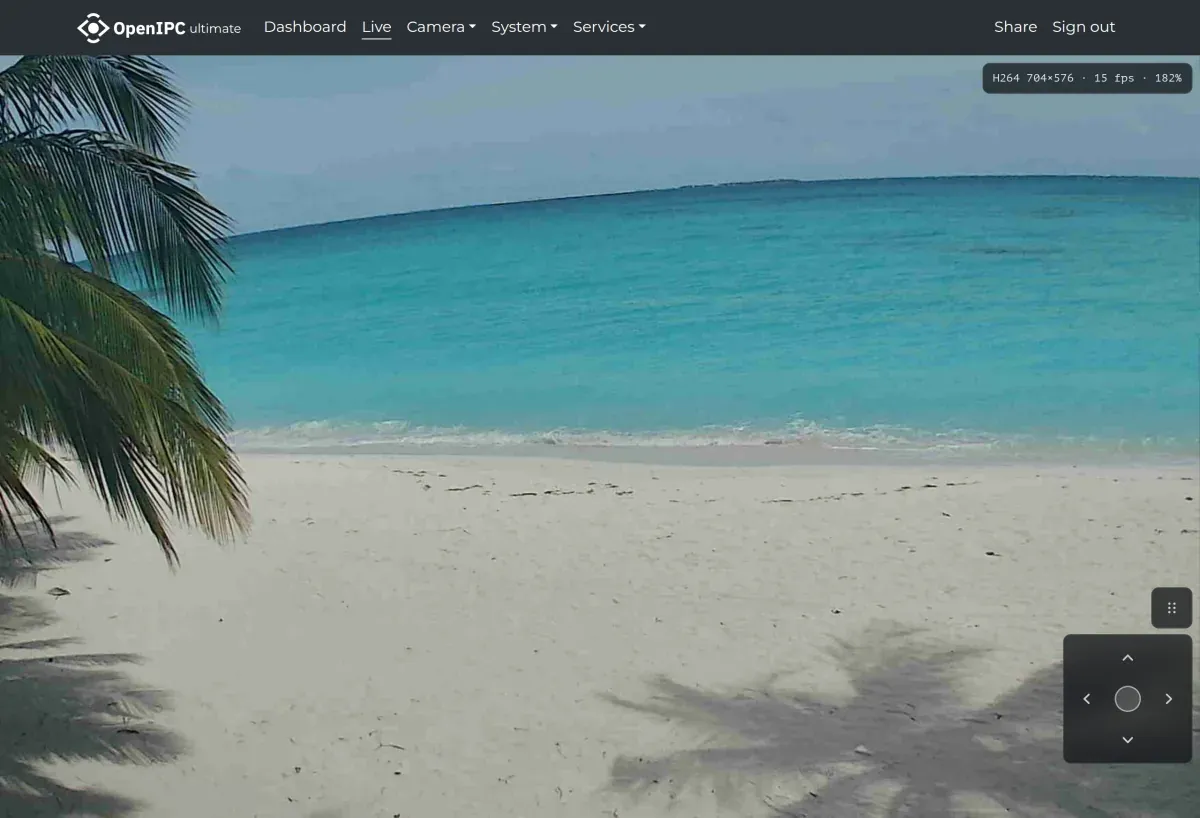
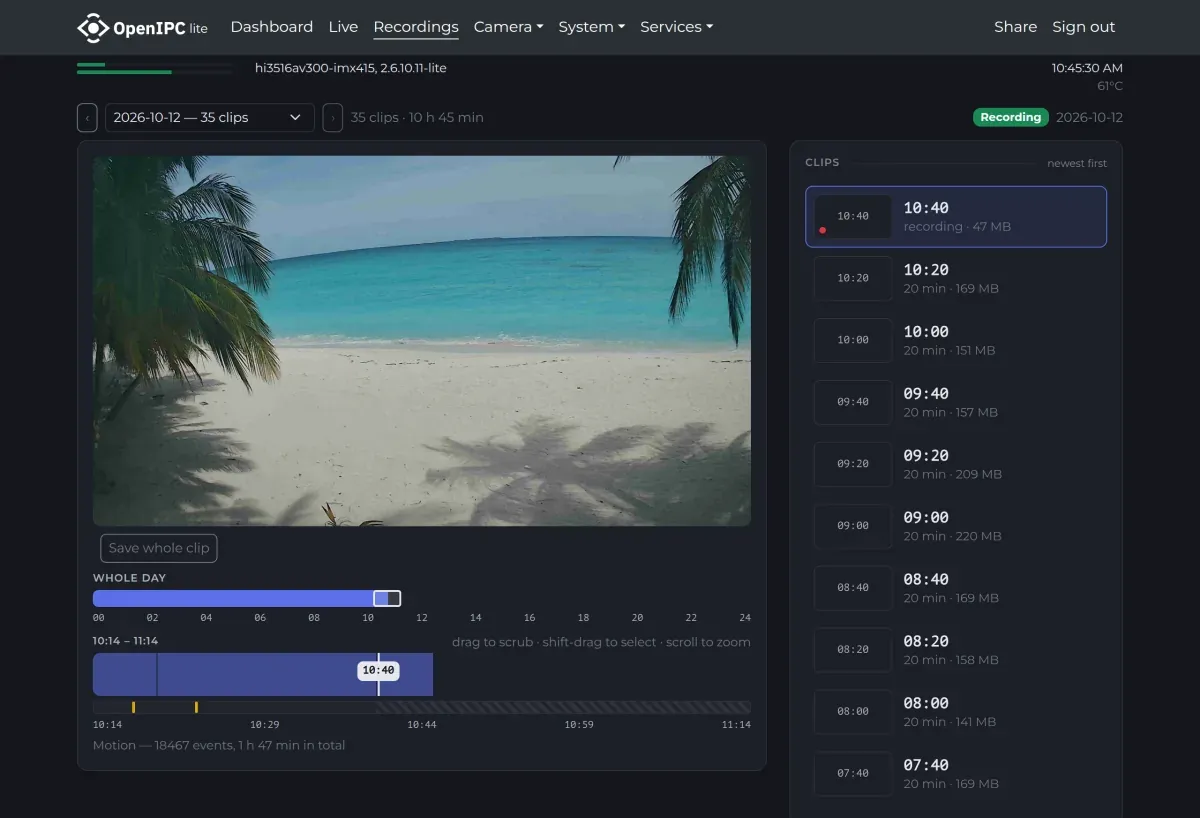
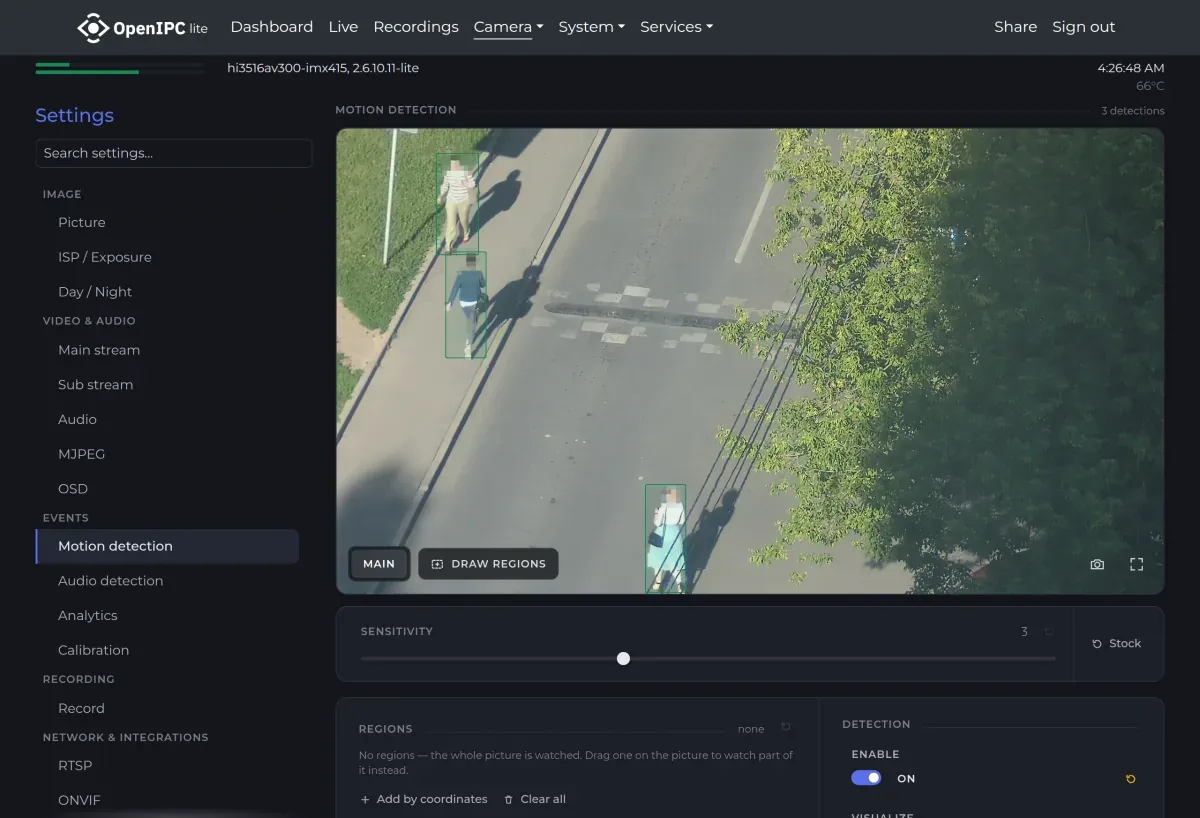
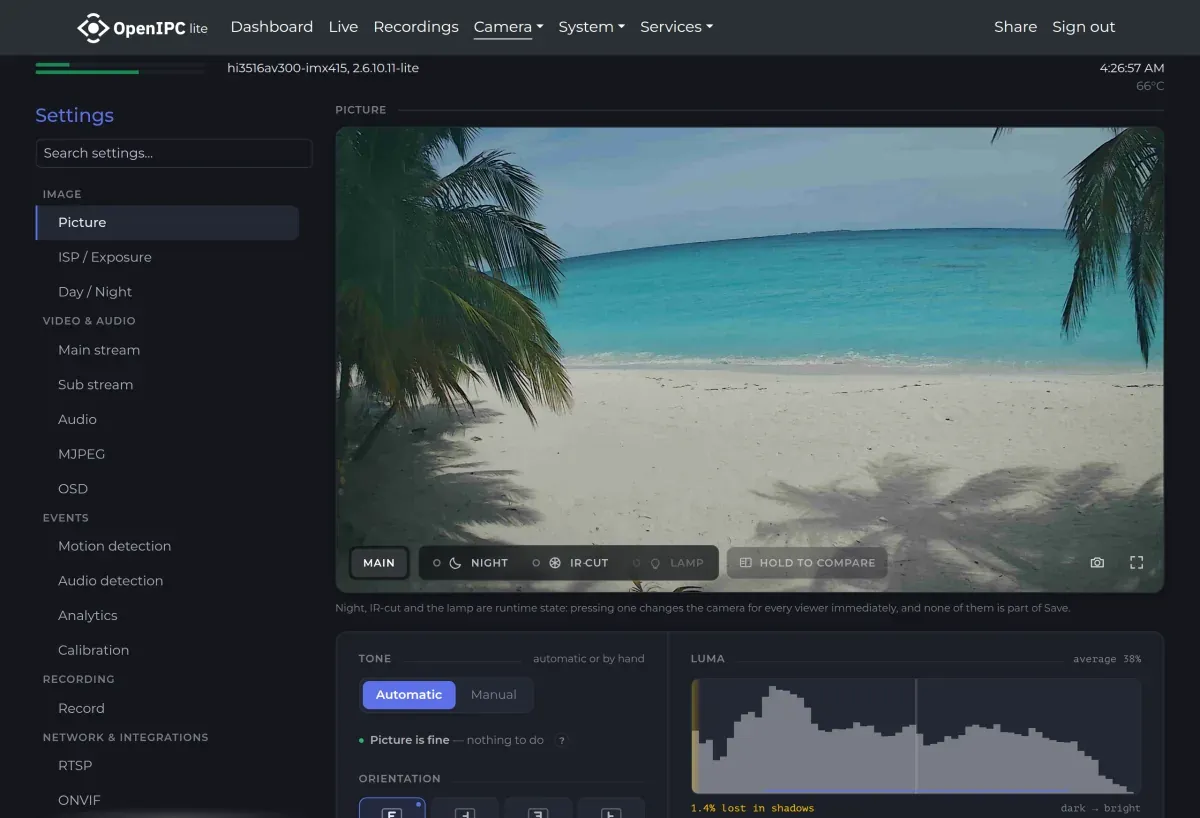
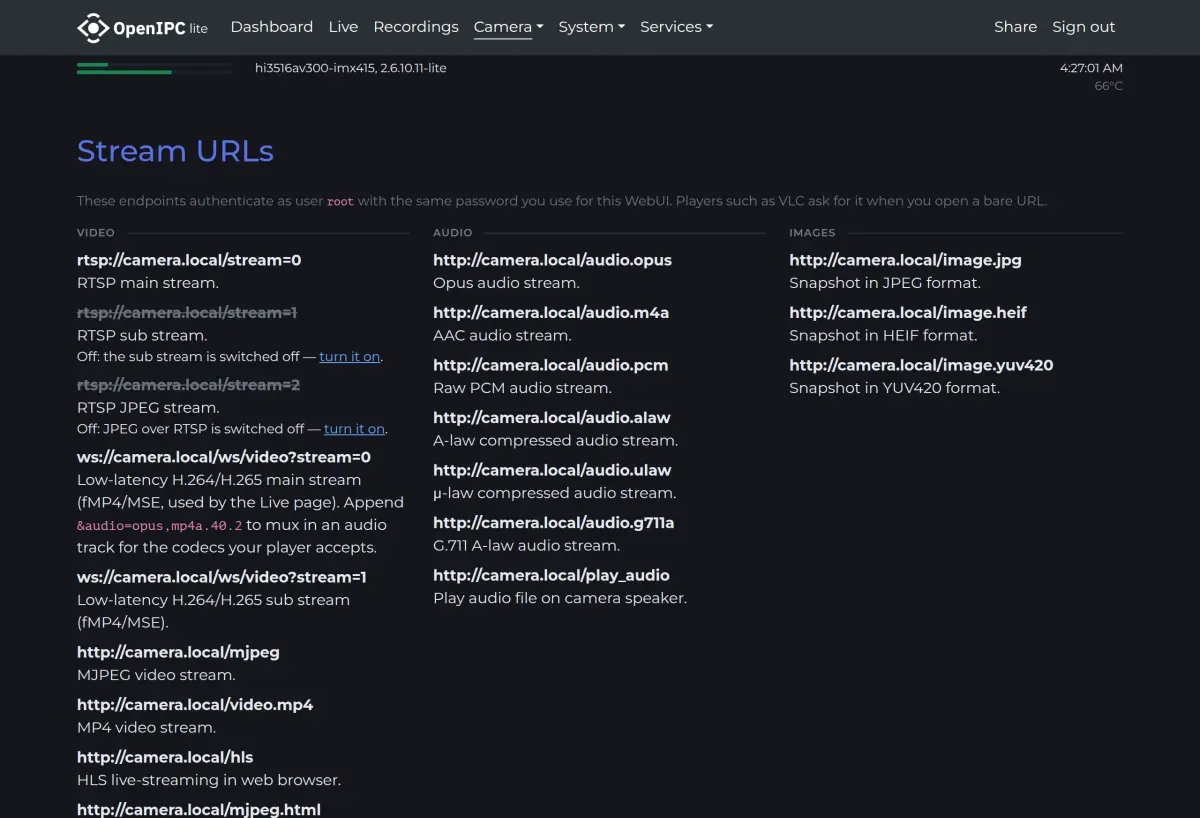
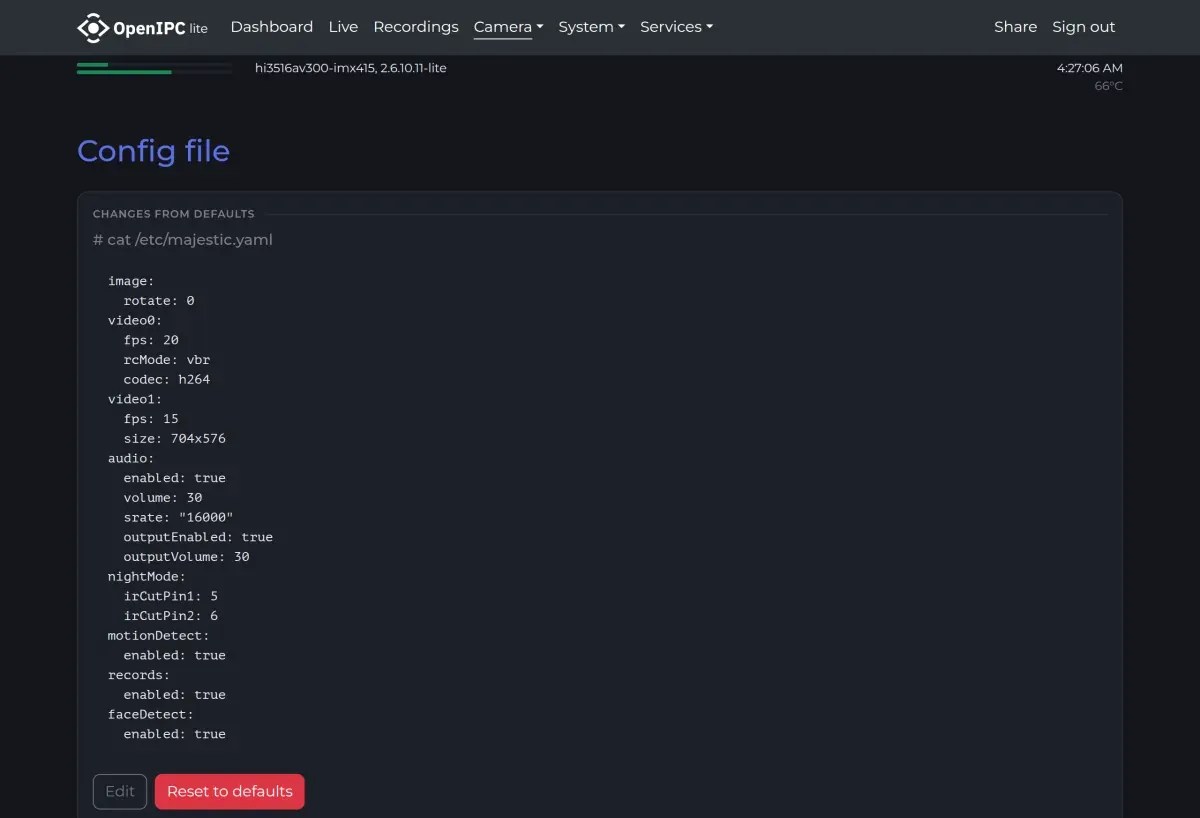
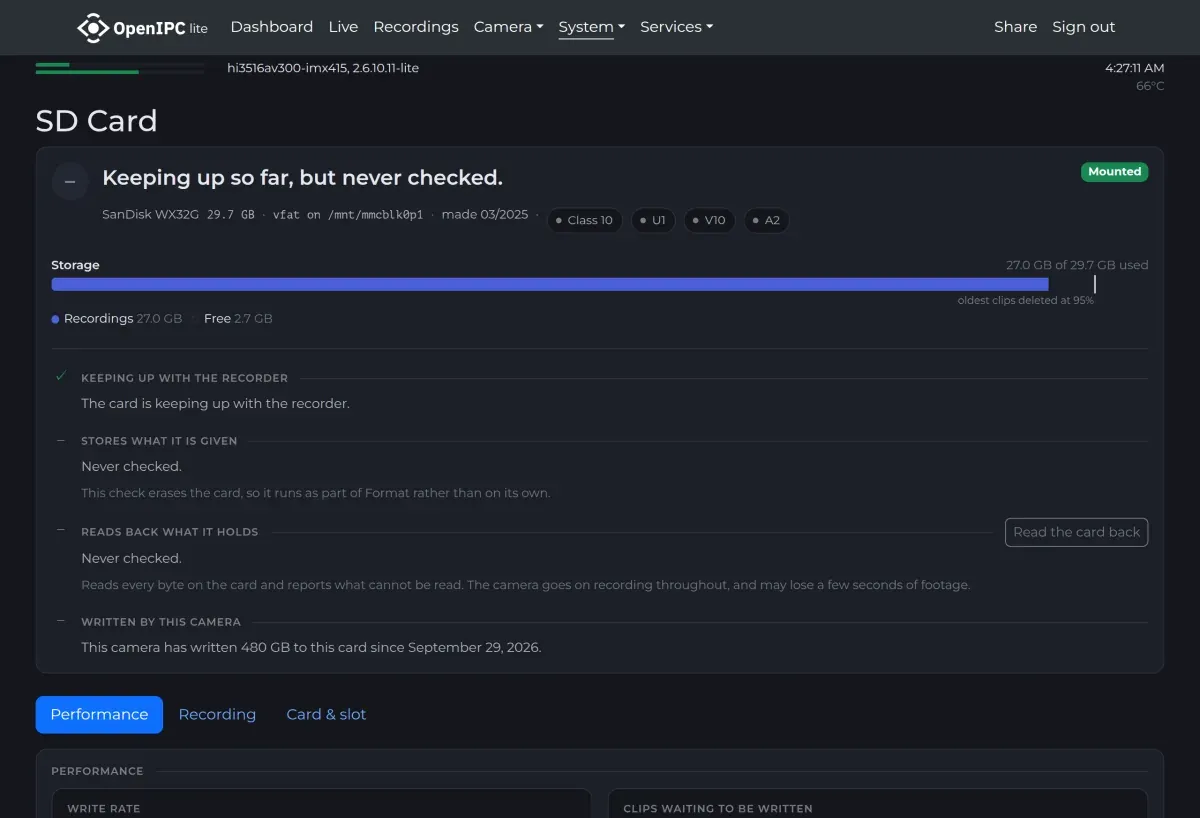
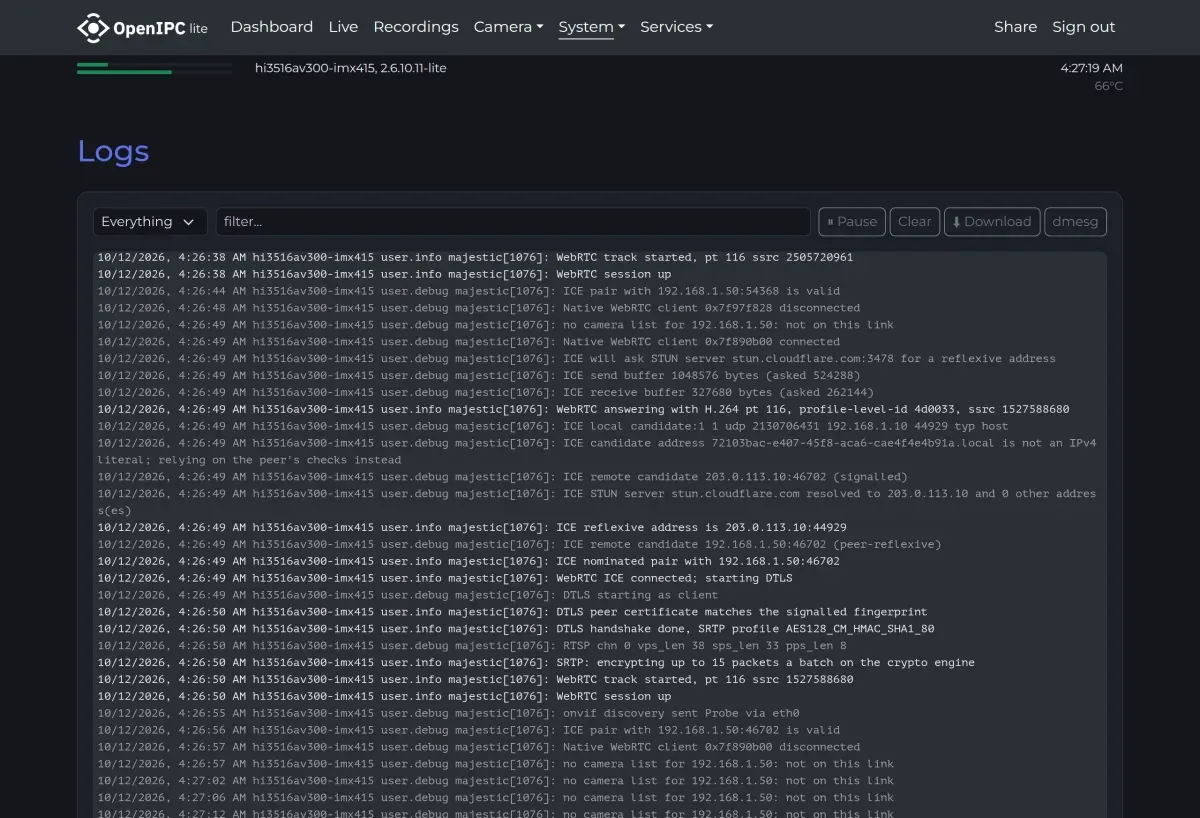
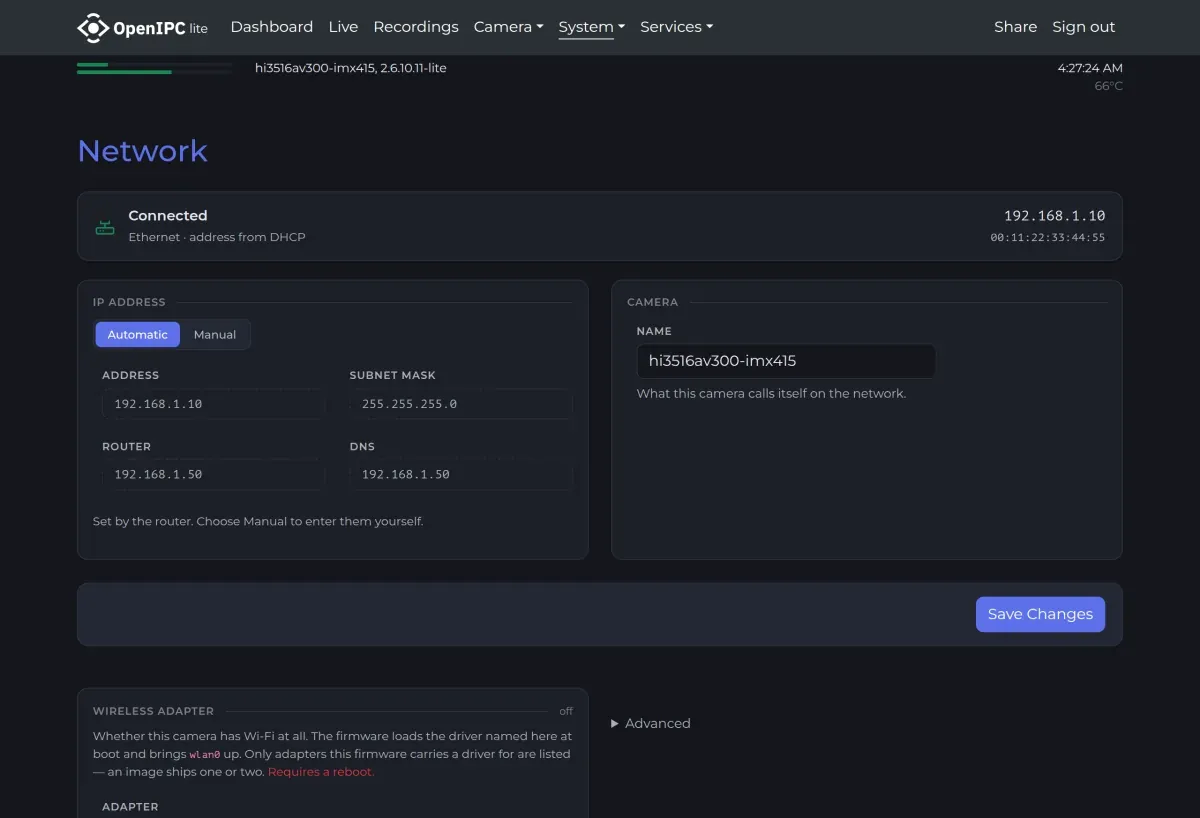
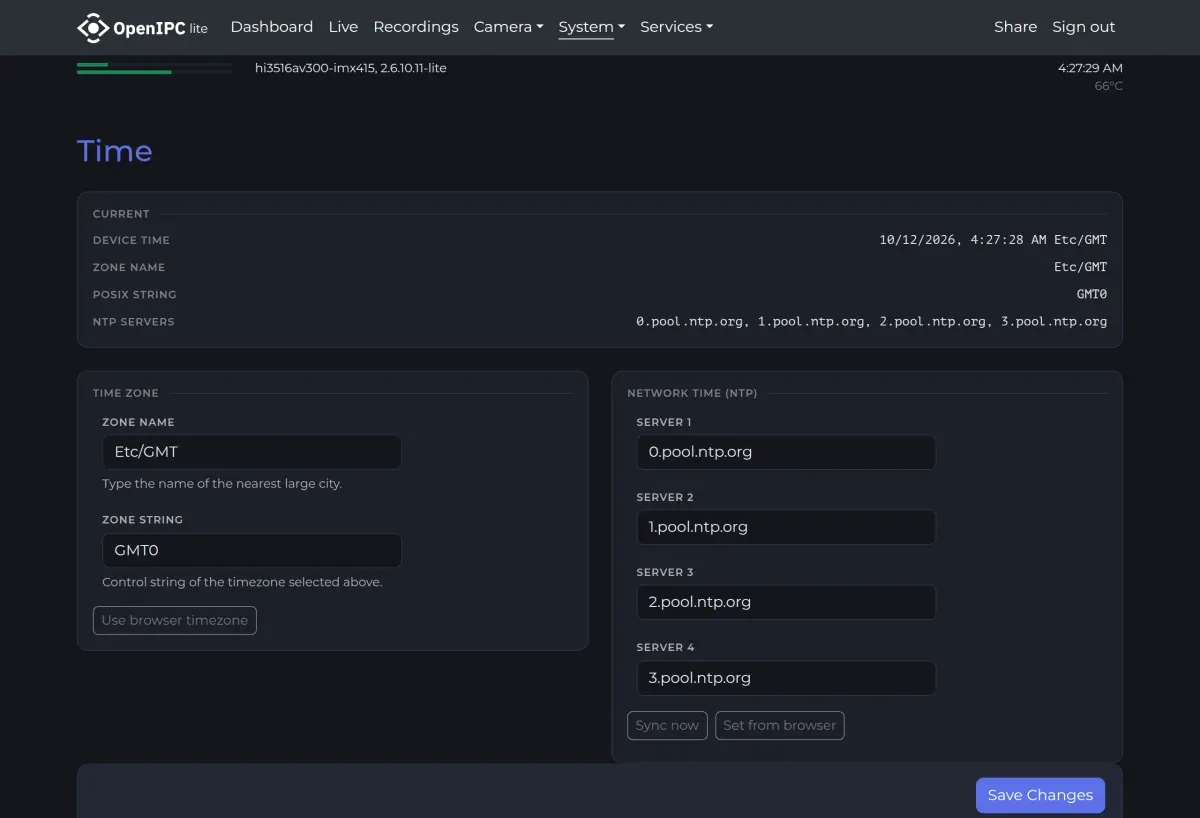
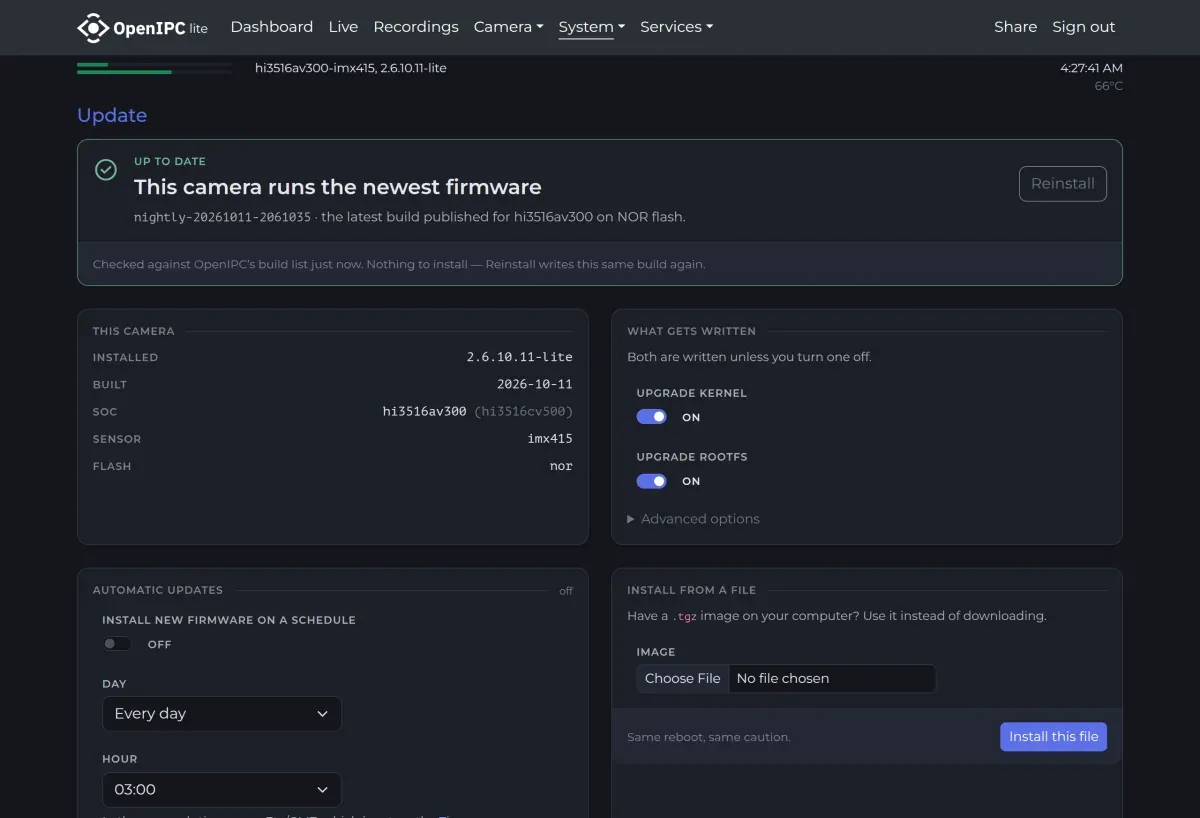
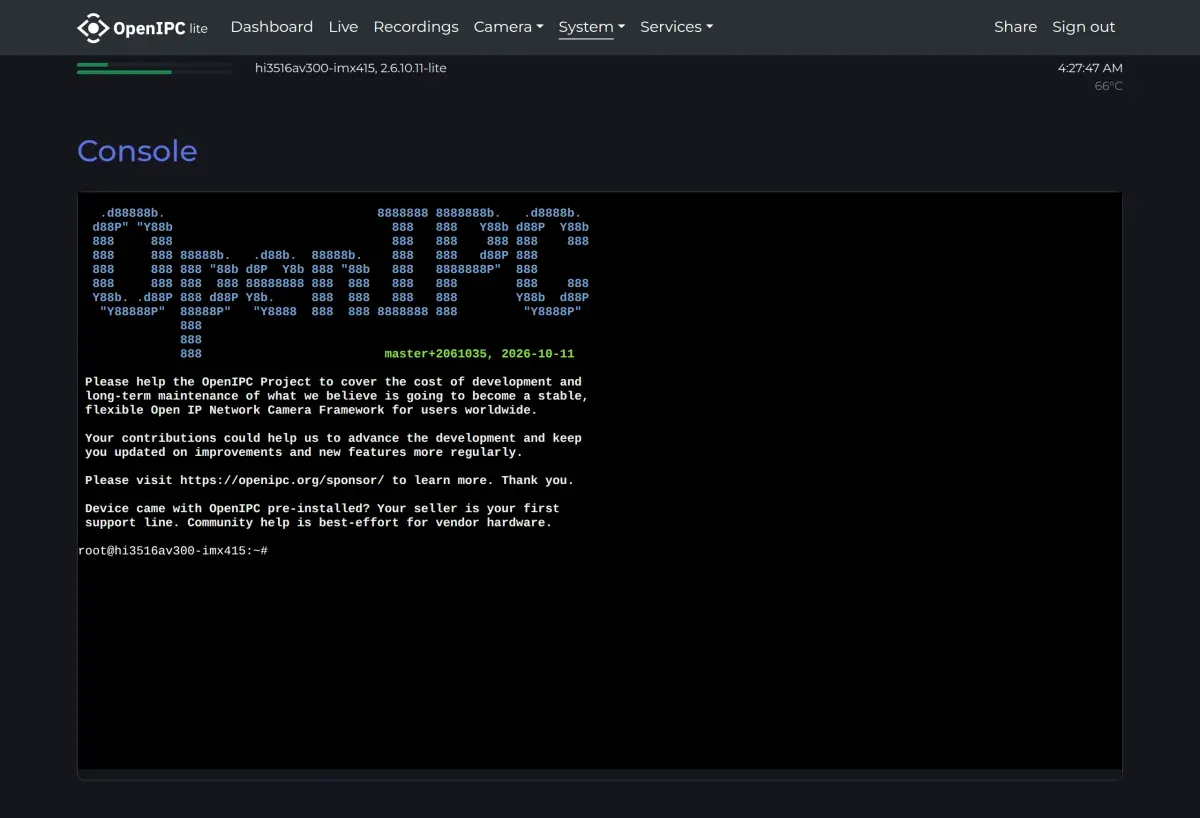
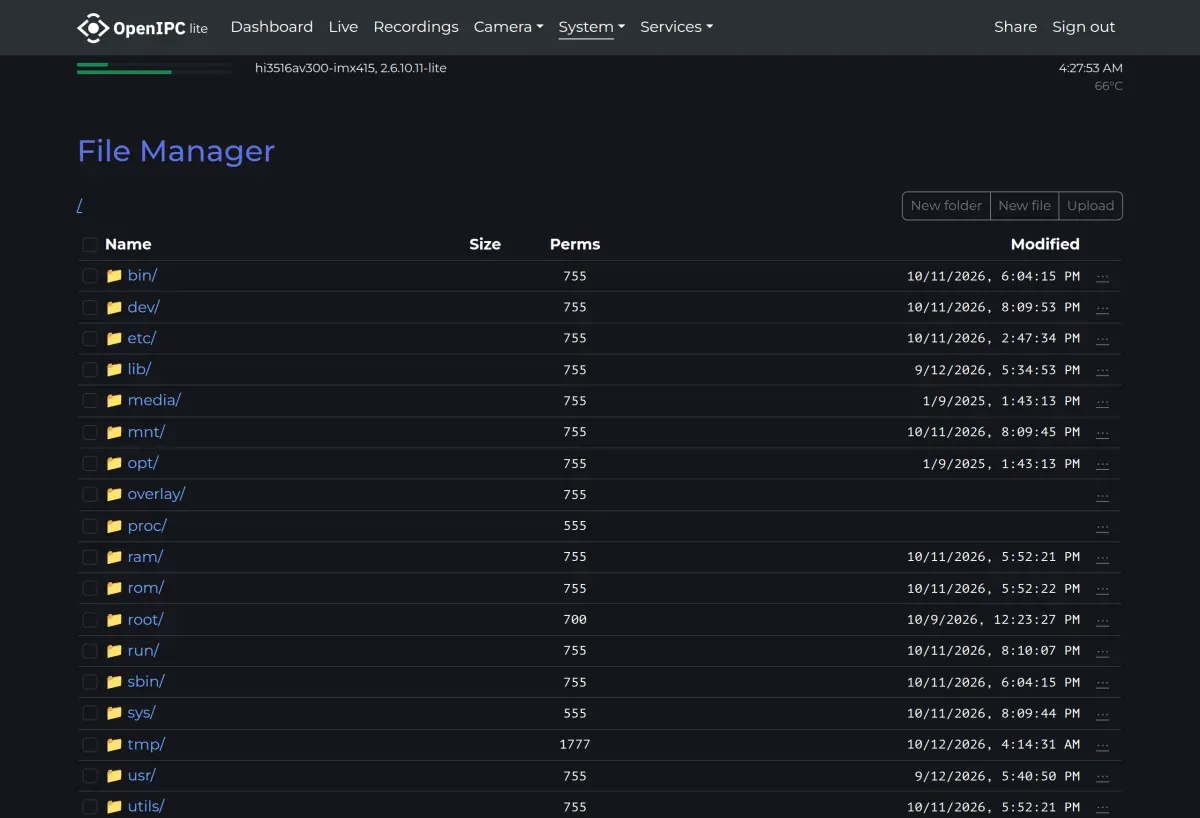
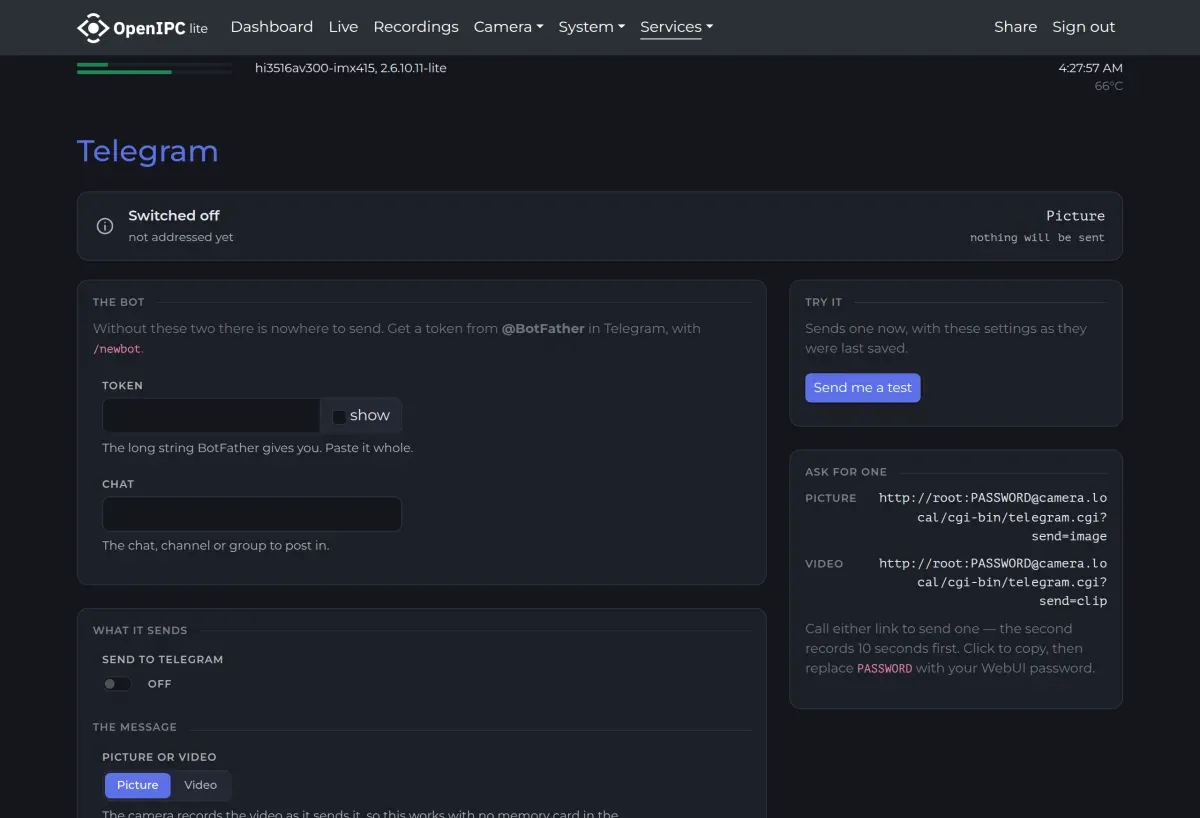
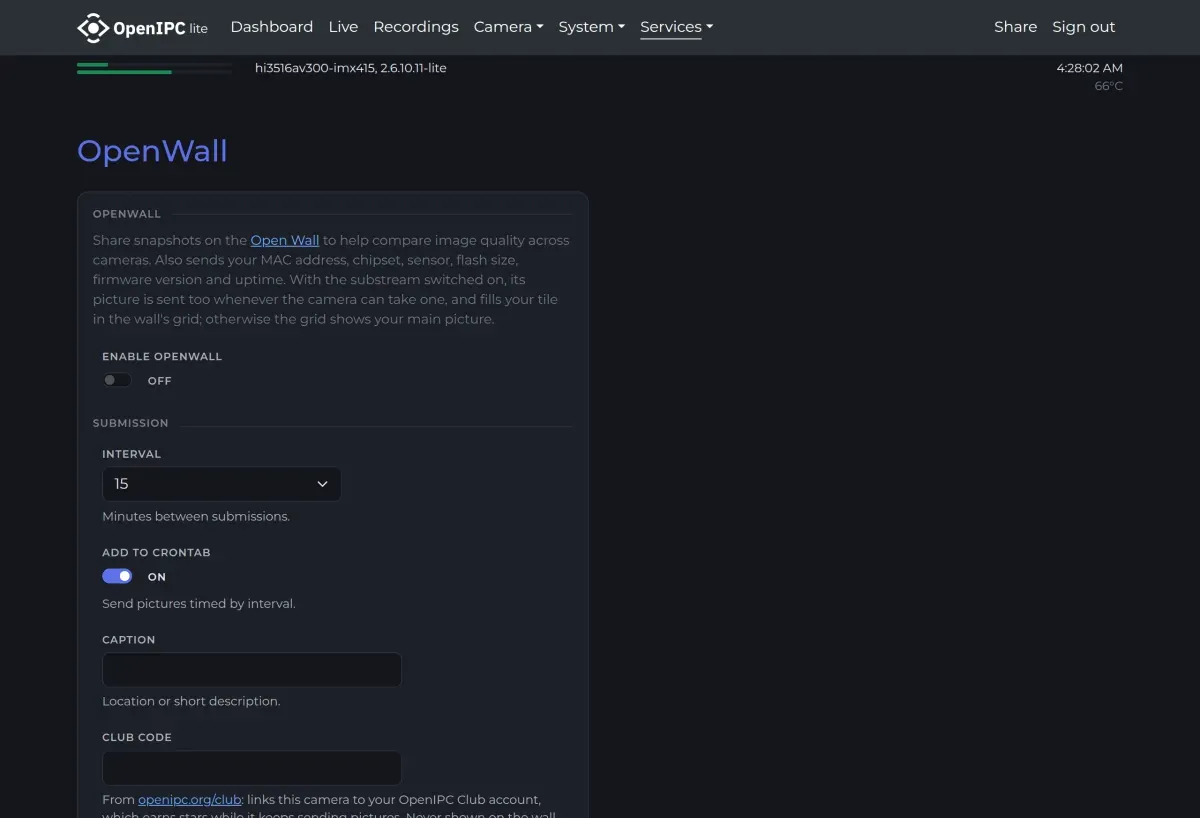
The beach on the Dashboard, Live, Recordings and Camera - Settings shots is the view from a camera belonging to @usa-, an OpenIPC user, published with permission. The Motion detection shot is staged: the street is a frame of the recording in the video below, with faces pixelated, and its three boxes were handed to the interface's own overlay, because the lab camera's build carries no person detector.
Person detection and tracking
Object detection (objectDetect in the settings) reports people in the picture. Every box goes where motion already goes: drawn over the picture in the browser, into the ONVIF metadata track and the track inside a recording, to pan/tilt following, and out of /api/v1/analytics.
On the GK7205V500, V510 and V530 it is YOLOv8 on the neural accelerator, with the models in the firmware, and it tells people from vehicles and animals (more).
Detections arrive a few times a second, not with every frame, and the video shows what makes that enough: a tracker that keeps each person's number through the gaps. Here it runs on detections made from the recording at that rate; it is a prototype, not yet in the firmware.